
SWIX View
Continuous monitoring across your network, endpoints and cloud accounts — triaged by a real security team, not left for you to interpret.
Coverage
What SWIX View watches
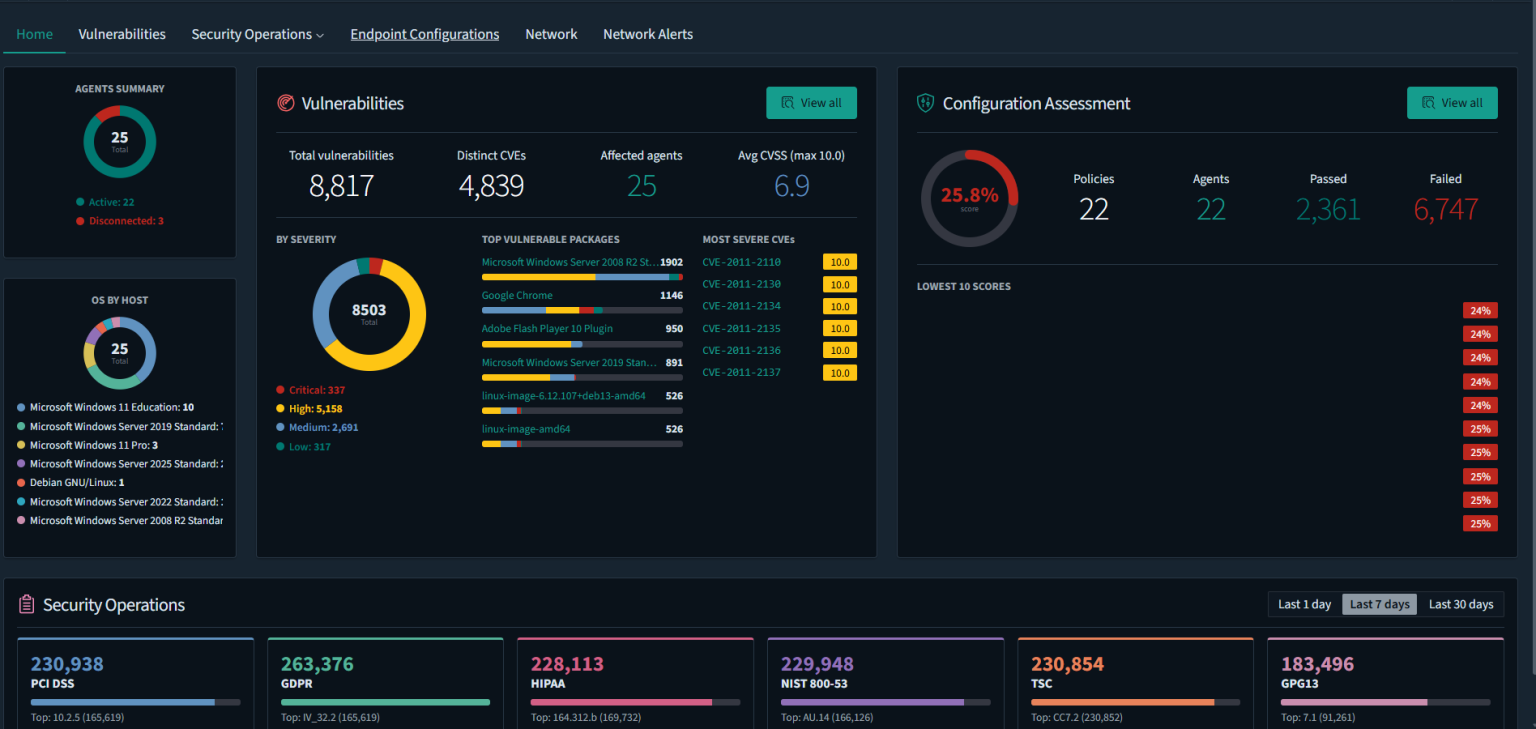
- Workstations, servers and network equipment — firewalls and routers included.
- Microsoft 365 and Google Workspace activity — logins, admin changes, and suspicious mailbox activity.
- Vulnerabilities and patch status — so you know what’s exposed before someone else finds it.
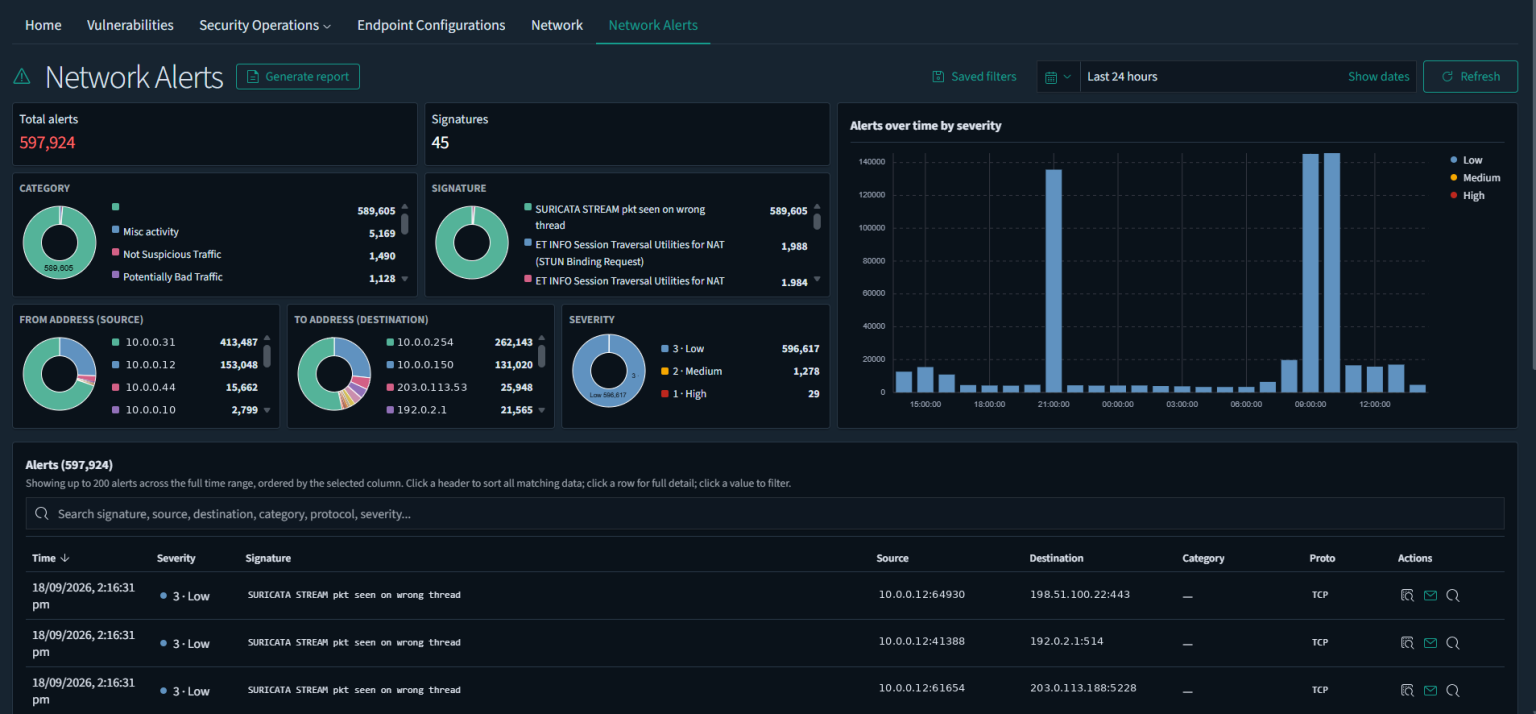
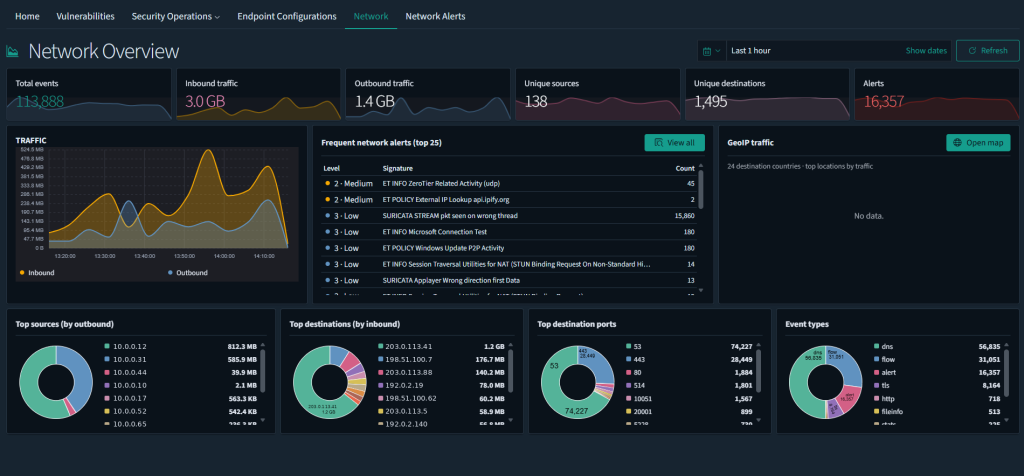
- Network traffic in and out — both what’s crossing your perimeter and what’s moving between your own devices.
- Anomalous behaviour — measured against a baseline SWIX learns for your business, not a generic one.
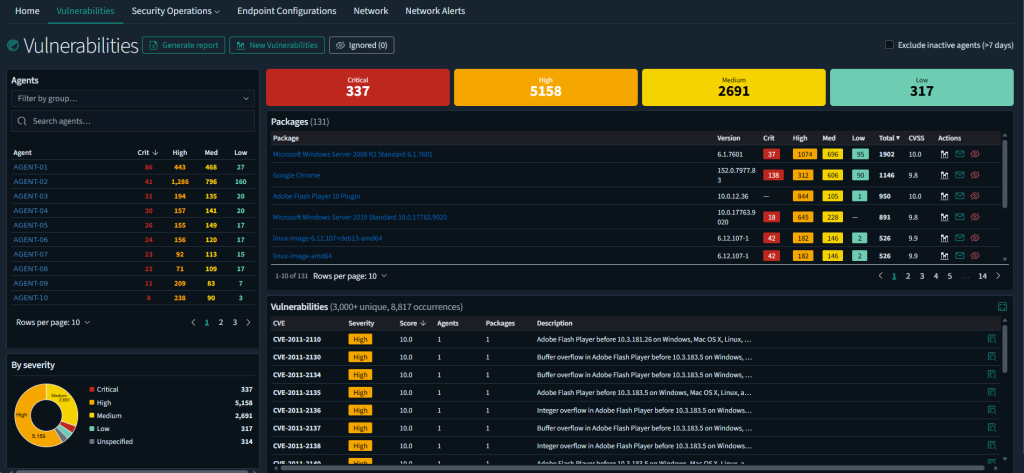
Where it runs: SWIX’s own data centre, here in New Zealand — owned and operated, not resold space in someone else’s cloud. See how we handle your data on the Trust & security page.
Plans
Standard and Advanced
Both plans are flat-rate and monthly. Tell us your device count on a short call and we’ll give you a number.
Standard
- Workstations and servers
- Microsoft 365 / Google Workspace
- Vulnerability and patch monitoring
- Basic network equipment
- Human-triaged alerts
Advanced
Everything in Standard, plus:
- Intrusion detection
- Full network traffic analysis
- Advanced network equipment coverage
- Regular penetration testing
Alerting
How an alert reaches you
Every event SWIX sees is scored on a severity scale. Most never reach a human at all — they’re routine noise. When something crosses the threshold, our security team looks at it before you do, rules out false positives, and only then does it land with you, explained in plain English. See exactly how that works on our Trust & Security page.